Numbers are the product here, so the app shows you the real ones rather than a spinner.
8.8×
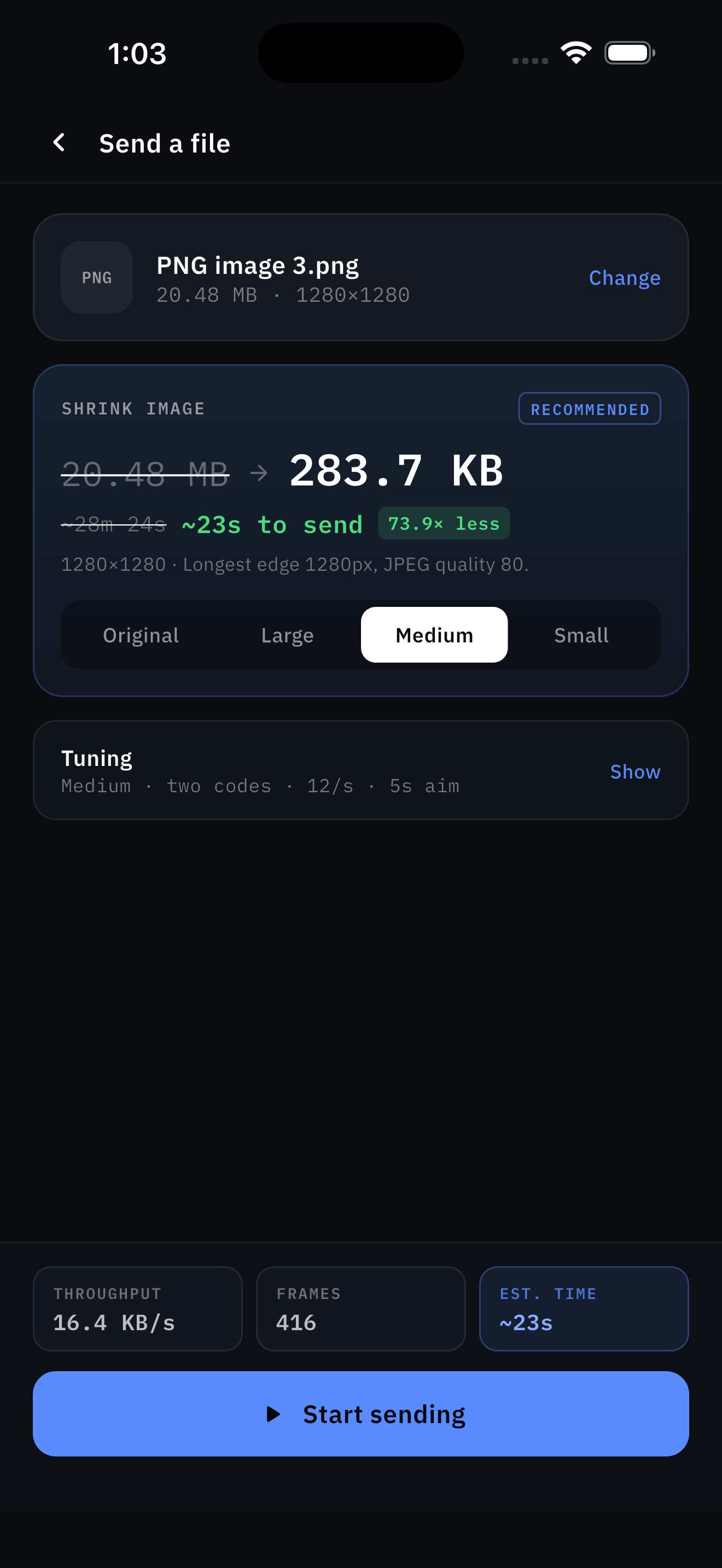
Shrink is the biggest lever
Re-encode a photo before sending and a two-minute transfer becomes a fifteen-second one. The app shows you the time saved, not just the bytes.
GOOD
A live verdict on your setup
The receiver shows captured codes per second with a plain word attached, so you know immediately whether to move closer or drop the density.
1.9×
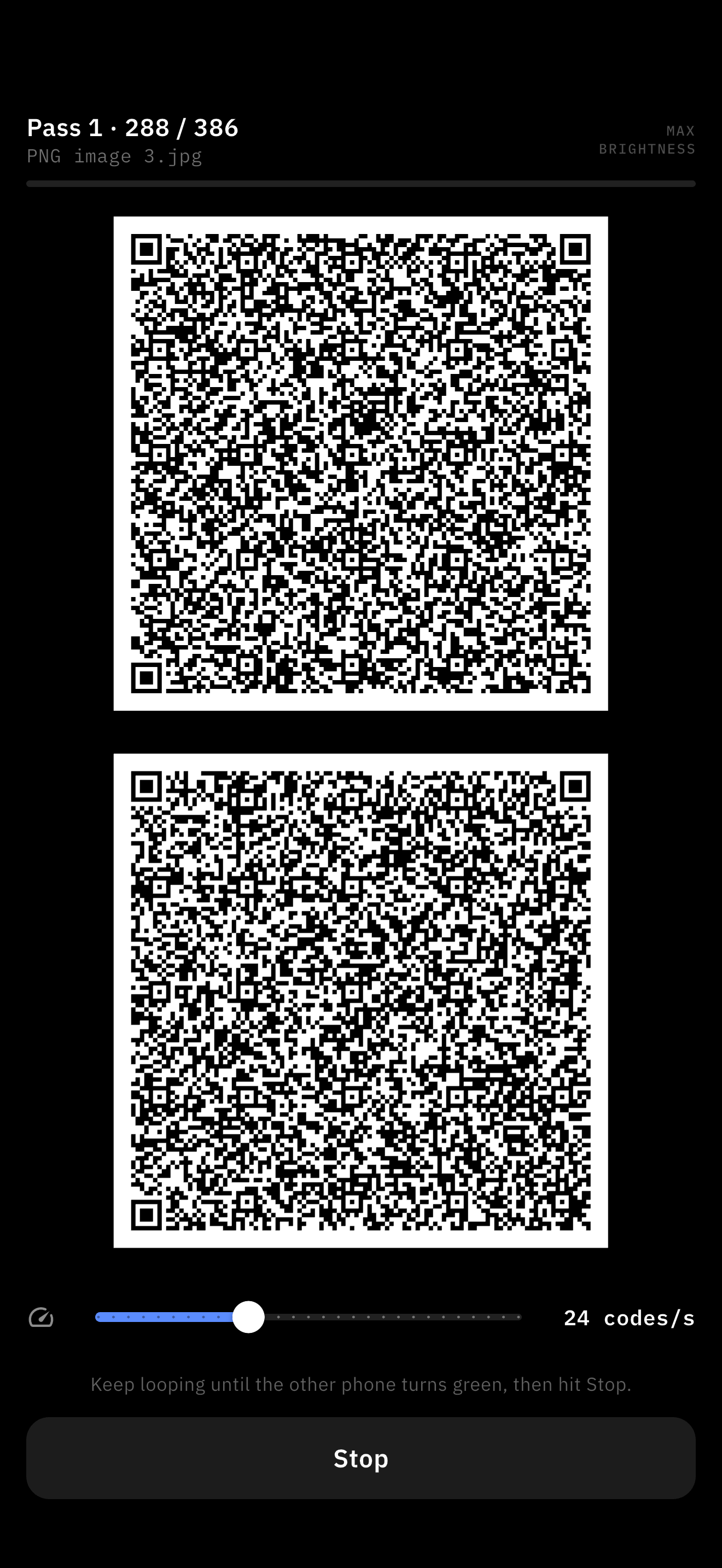
Two codes, not one
Two stacked squares cover about 1.9× the area of one while each module shrinks only ~2%. Three would be worse on both counts, so it is never offered.
∞
Frames can arrive in any order
Fountain coding means missed frames simply do not matter. The sender keeps generating new ones until you have enough.
SHA
Verified on arrival
Every transfer carries a SHA-256 of the original. The receiver checks it and says plainly whether the file matches.
30/s
Tuned, not guessed
Density, slot rate and aim time are all adjustable — because a camera samples about 30 times a second and tears anything that flips mid-readout.